Retro · a look in liminal.repair
Add a VHS effect to your photos, free
VHS tape never recorded colour cleanly. Chroma was stored at a fraction of the luminance resolution, so reds and blues smeared sideways; the tape transport wobbled, so lines drifted; and the interlaced scan left visible horizontal banding.

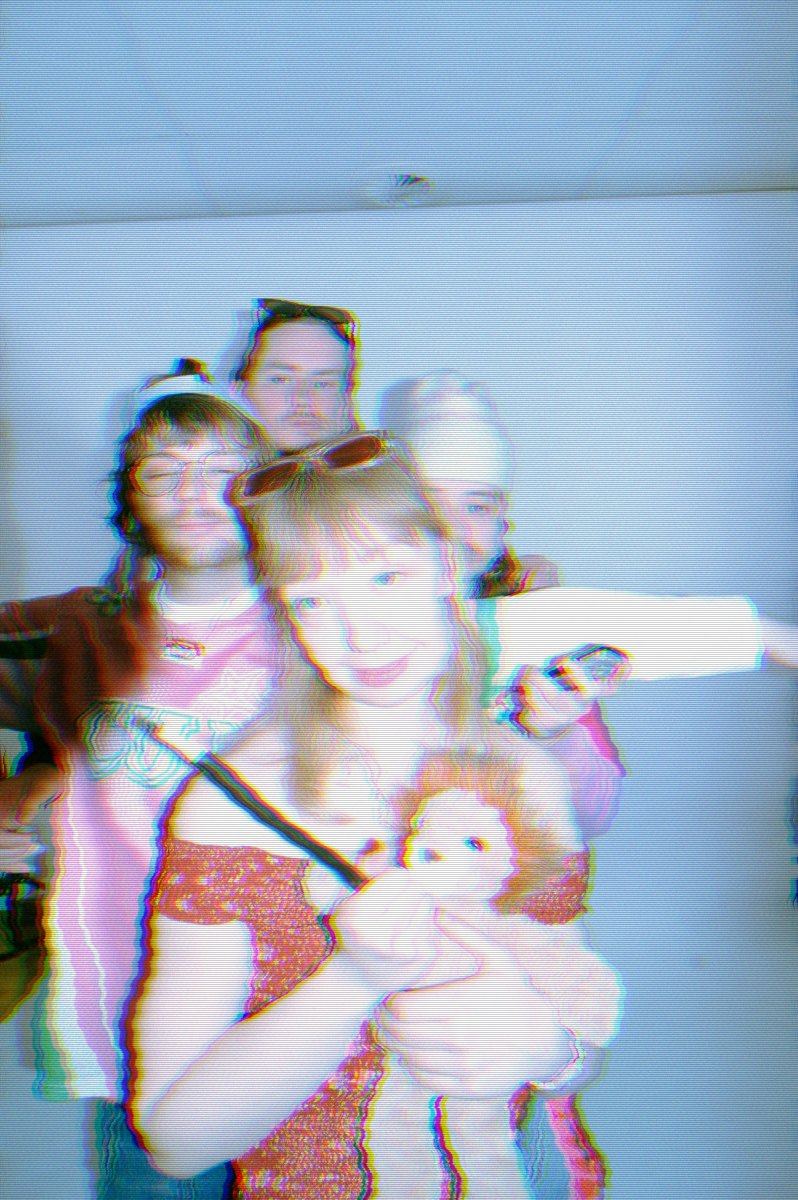 beforeafter
Free · no sign-up · runs in your browser — your photo is never uploaded.
This filter recreates all three: horizontal chroma bleed, per-row tape wobble, and scanlines. The result is the worn-tape, third-generation-copy look that defines 80s and 90s home video.
How to use it
- Open the VHS tool and load a photo.
- Increase Chroma bleed to separate red and blue sideways — the core of the analog look.
- Add Wobble for tape-transport instability, which bends rows horizontally.
- Set Scanlines to taste, then export.
Tips
- Portraits and interiors sell the nostalgia best.
- Keep bleed moderate (4–8) for realism; push past 12 for broken-tape chaos.
- Stack with film grain for texture, or datamosh for tracking-failure glitch.
Shot with VHS on Explore
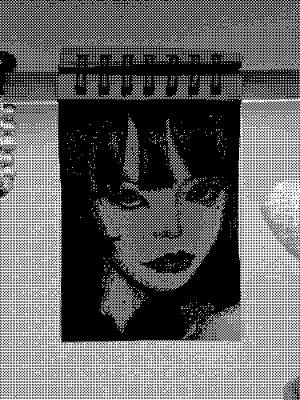
Cameras built on it — open one and it loads onto your own photo.
 스티플링 @7BLAKEY · used 15×
 a @4gxxr · used 12×
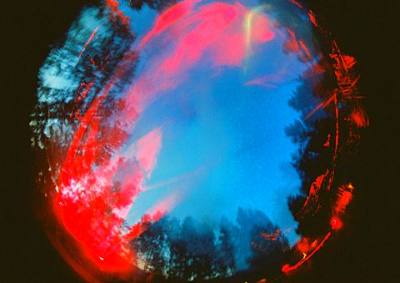 1 @papin_olimpus · used 4×
FAQ
How do I get a VHS look on a photo?
Apply chroma bleed, scanlines and a slight horizontal wobble. This tool does all three with adjustable sliders, free in your browser.
Is it free?
Yes — no account, no watermark, no upload. Everything runs locally in your browser.
Does it work on phones?
Yes, on iPhone and Android browsers, including HEIC photos.