Body · a look in liminal.repair
Pixelate your photos online, free
Pixelation is the simplest transformation there is — average every block of pixels into one — and it lands in two places at once: the mosaic censor bar of TV news, and the deliberate 8-bit, pixel-art look of games.
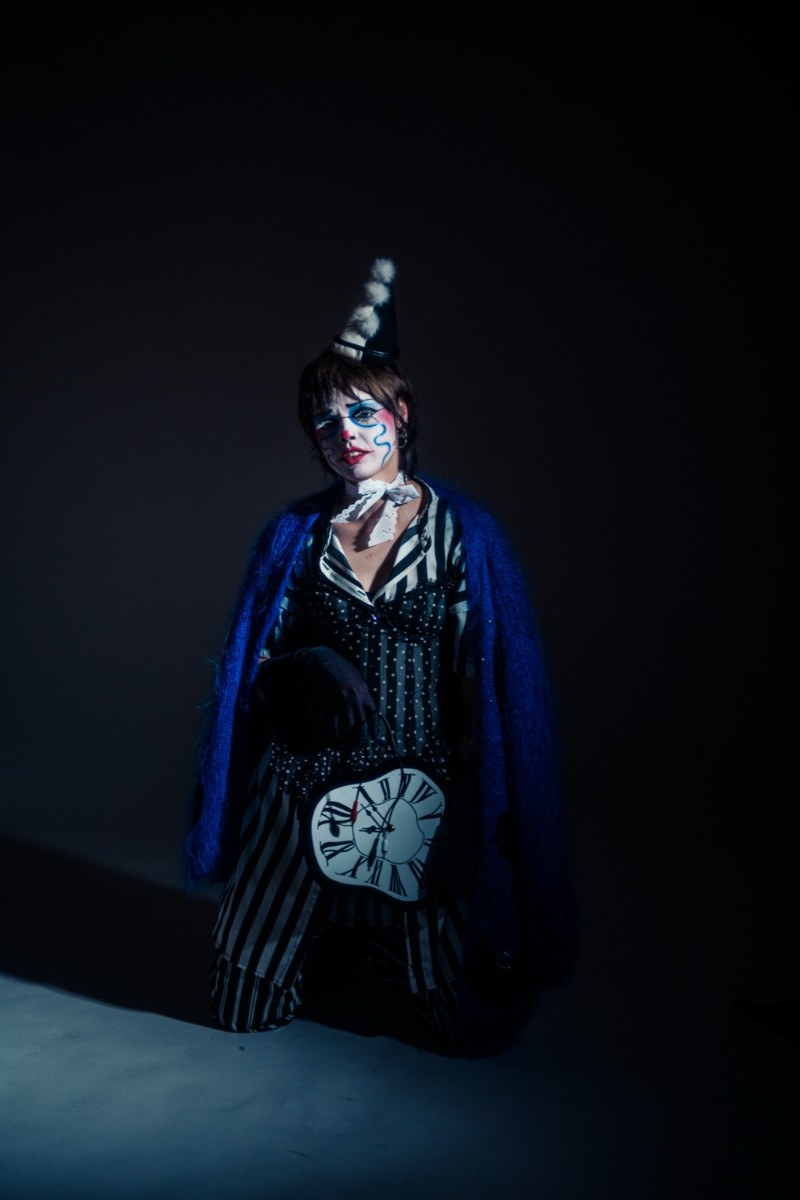
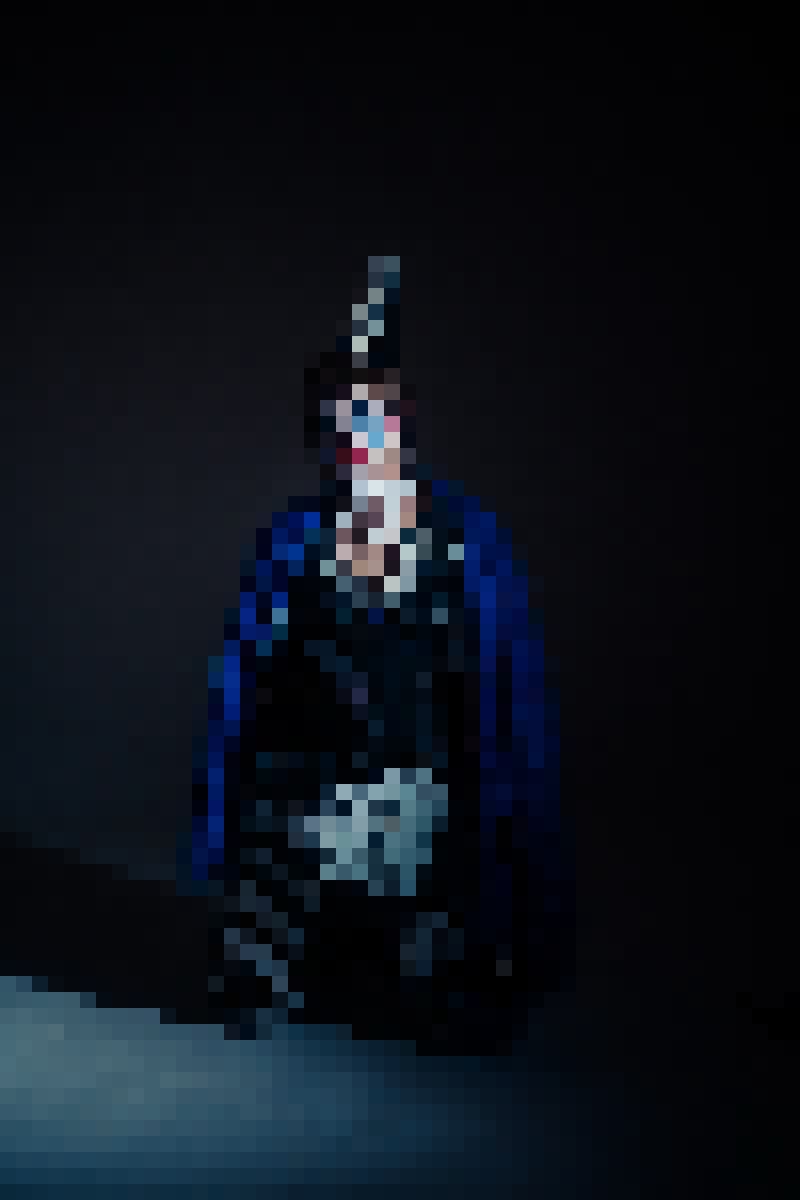 beforeafter
Free · no sign-up · runs in your browser — your photo is never uploaded.
The Mosaic look does both. Small blocks give a pixel-art version of your photo; large blocks give the censored-face effect; a restricted palette turns it into something a 1990 console could have drawn.
How to use it
- Open the tool and drop in a photo.
- Set Block size — 8 to 16 for pixel art, 40 and up to censor.
- For the retro-game look, stack Dither after it and turn its Levels down to snap the blocks to a small palette.
- Export at full resolution; the blocks stay crisp.
Tips
Shot with Mosaic on Explore
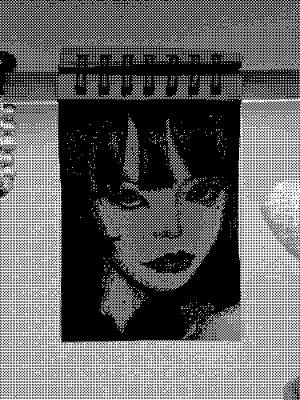
Cameras built on it — open one and it loads onto your own photo.
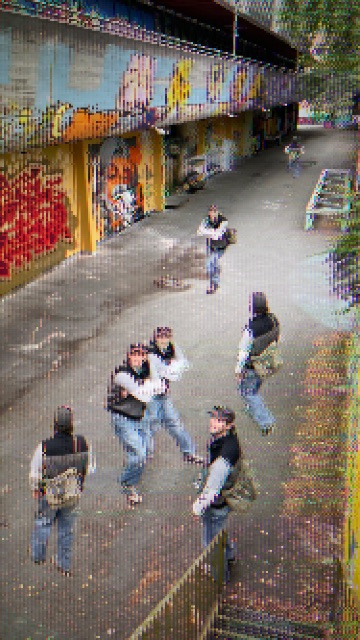 8-BIT @AliCat · used 67×
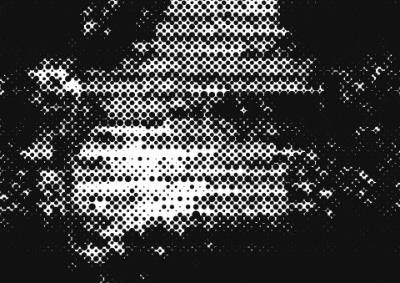 스티플링 @7BLAKEY · used 13×
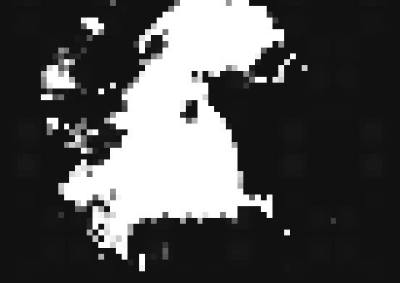 blur @emirhanfx · used 11×
FAQ
Can I pixelate just one part of a photo?
The look applies to the whole picture. For a face only, crop first or use it on a video clip where the subject fills the frame.
Is it free?
Yes — free, no account, processed in your browser.