Glitch · a look in liminal.repair
Datamosh your photos online, free
Datamoshing is the glitch technique that made music videos melt. It comes from corrupting compressed video — deleting keyframes so the decoder keeps applying motion data to the wrong picture, smearing colour and detail across the frame in long, liquid trails.

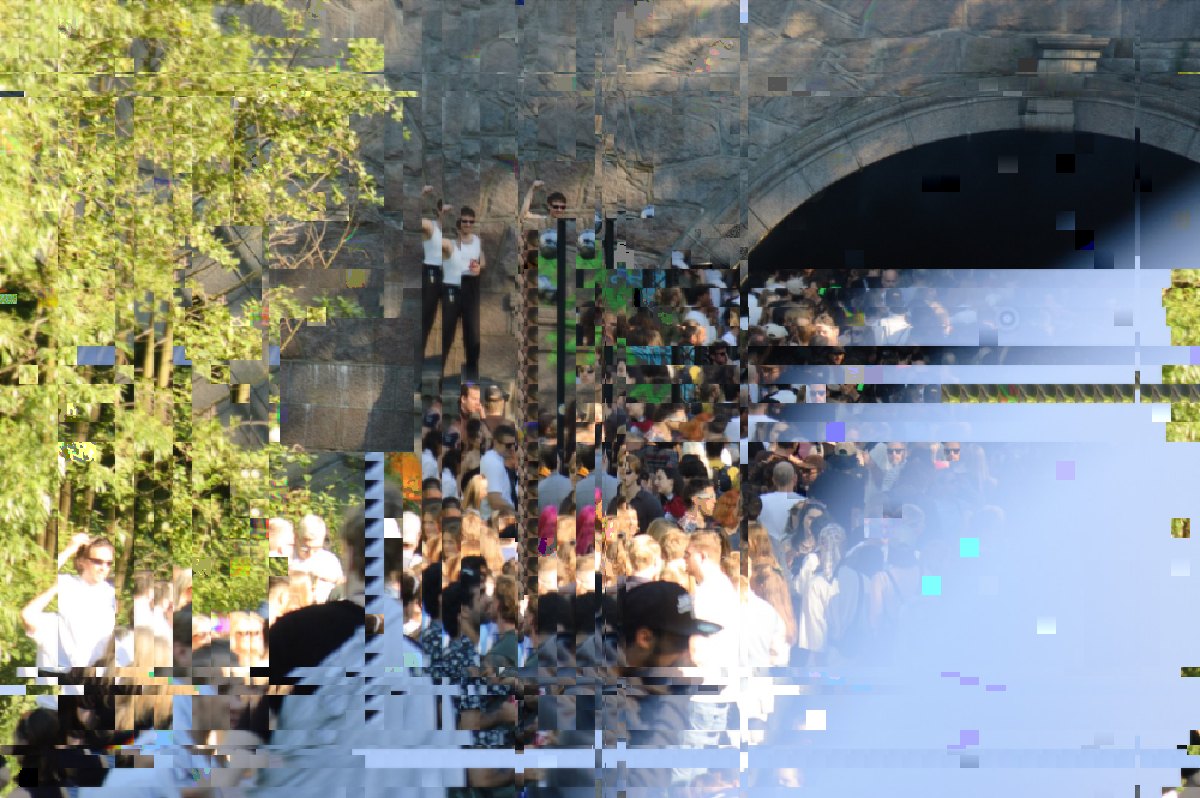 beforeafter
Free · no sign-up · runs in your browser — your photo is never uploaded.
This tool recreates that look for still images. It simulates the same compression artefacts — block displacement, pixel bleed and I-frame corruption — so a single photo can be pushed into that half-dissolved, buffering-forever state without touching a video editor.
How to use it
- Open the datamosh tool and drop in any photo (JPEG, PNG, HEIC or RAW).
- Type anything into the Mosh string — the text seeds the glitch, so the same string always produces the same result and changing one letter re-moshes the image.
- Dial Density for how much of the frame corrupts, and Strength for how far the pixels smear.
- Add Sharpness to bring back some structure, then export a full-resolution PNG or JPEG.
Tips
- Photos with strong motion or a clear subject against a busy background mosh best — the effect follows edges.
- Low Density with high Strength gives elegant streaks; high Density gives full-frame destruction.
- Stack Datamosh under VHS for a degraded-tape look, or over Pixel Sort for layered glitch.
- Got a video rather than a photo? Datamosh Video moshes the clip itself, keyframes and all.
- The mosh string is deterministic — save it if you want to reproduce a look exactly.
Shot with Datamosh on Explore
Cameras built on it — open one and it loads onto your own photo.
 GlitchFilm @AliCat · used 254×
 PixelSortMosh @AliCat · used 249×
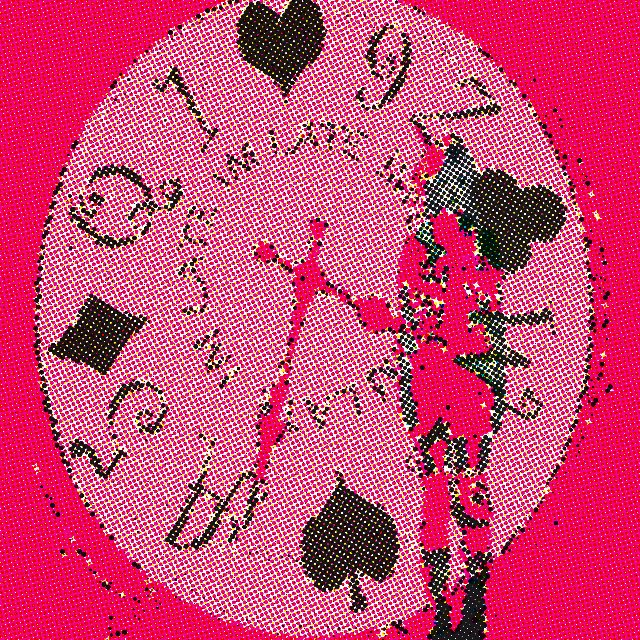 kjhgfdshjkl @kiye · used 218×
FAQ
What is datamoshing?
Datamoshing is a glitch art technique that corrupts video compression data — usually by removing keyframes — so motion from one scene is painted onto another, creating smearing, bleeding artefacts. This tool recreates the same visual result on still photos.
Can I datamosh a photo, not a video?
Yes. This tool applies simulated compression corruption directly to a still image, so you get the datamosh look without editing video or installing anything. If you do have a clip, Datamosh Video does the real thing — motion from one moment applied to the picture of another.
Is it free?
Yes — completely free, with no account required. All processing happens in your browser, so your photo is never uploaded to a server.
Does it work on iPhone?
Yes. It runs in mobile Safari and Chrome, handles HEIC photos from your camera roll, and exports straight back to Photos.