Glitch · a look in liminal.repair
Pixel sort your photos online, free
Pixel sorting takes rows of pixels and reorders them by brightness, so bands of your photo melt into smooth gradients of light. It is one of the most recognisable glitch-art techniques — structured enough to keep the subject readable, chaotic enough to feel broken.
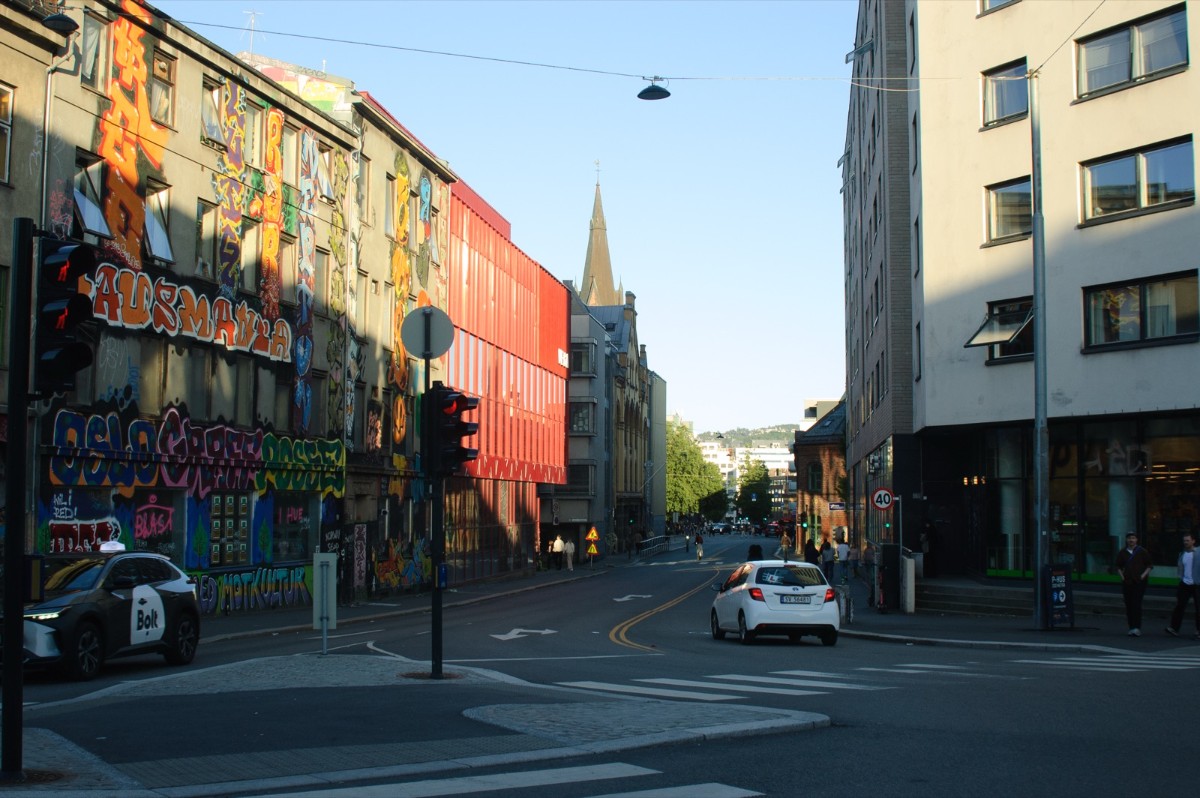
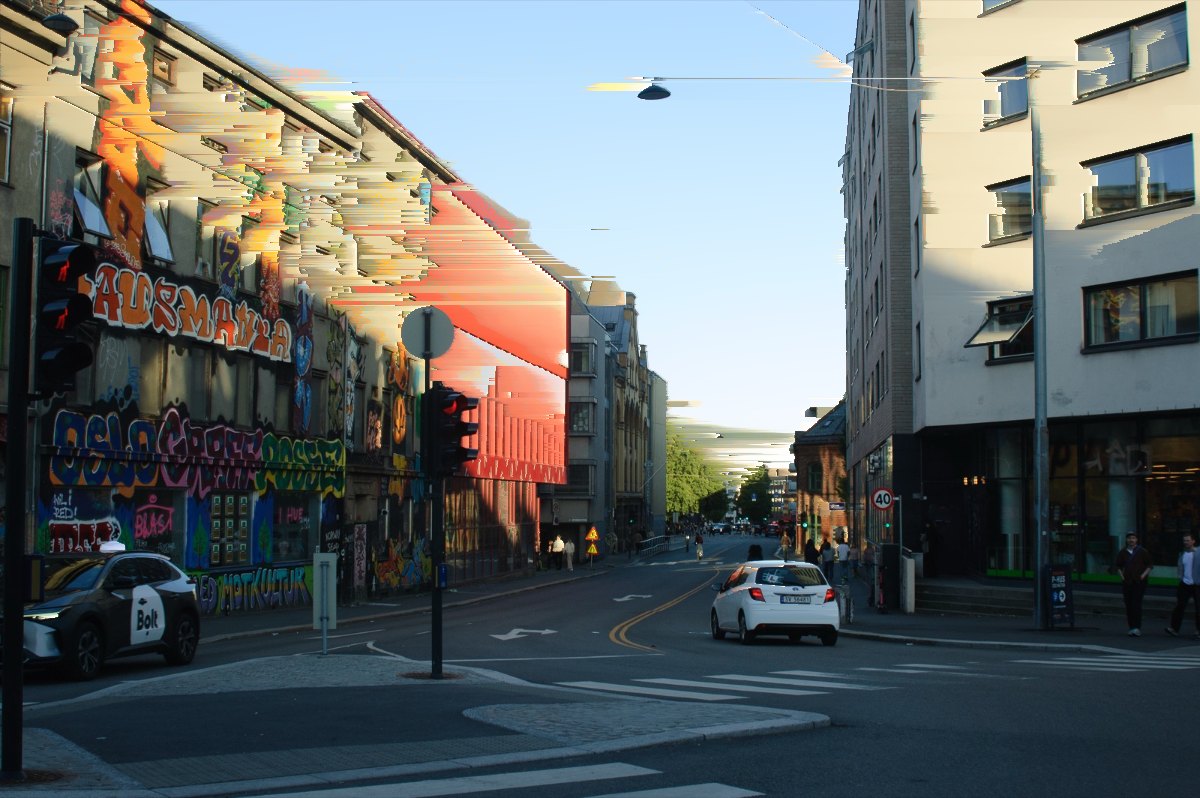 beforeafter
Free · no sign-up · runs in your browser — your photo is never uploaded.
The effect works by scanning each row for runs of pixels above a brightness threshold, then sorting only those runs. Everything darker stays untouched, which is why highlights streak while shadows hold their shape.
How to use it
- Open the pixel sort tool and load a photo.
- Set the Threshold — this decides which pixels take part. Lower values sort more of the image.
- Raise Amount to lengthen the streaks; low values give short glitchy dashes, high values give long melts.
- Export at full resolution when the look is right.
Tips
- High-contrast photos work best — bright subjects against darker backgrounds produce the cleanest streaks.
- Sunsets, neon, and window light are ideal sources.
- Pair with chromatic aberration for a colour-fringed glitch, or datamosh for full corruption.
Shot with Pixel Sort on Explore

Cameras built on it — open one and it loads onto your own photo.
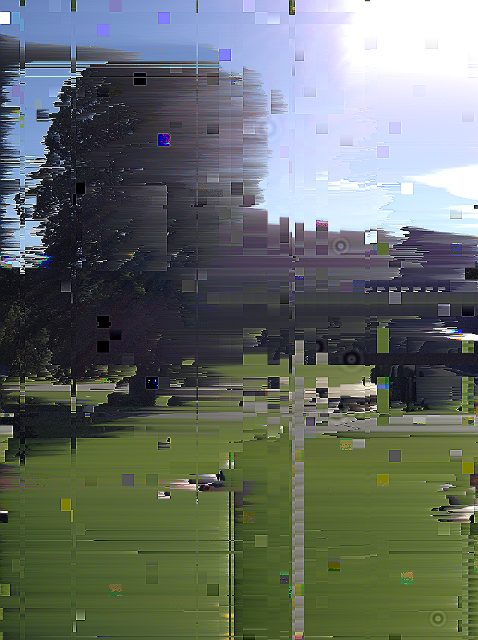 PixelSortMosh @AliCat · used 249×
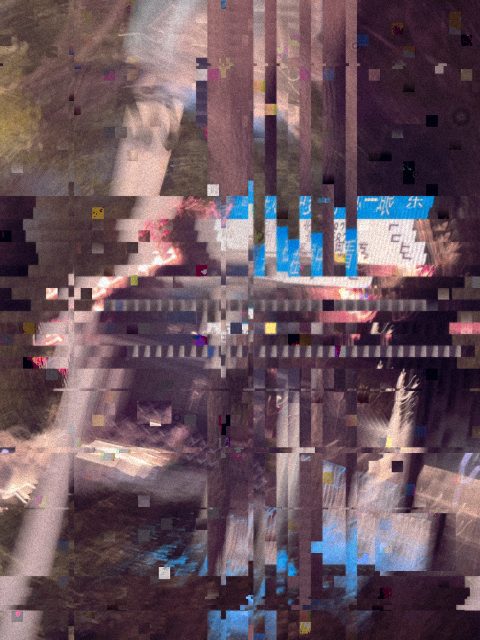 xxx @nxz · used 185×
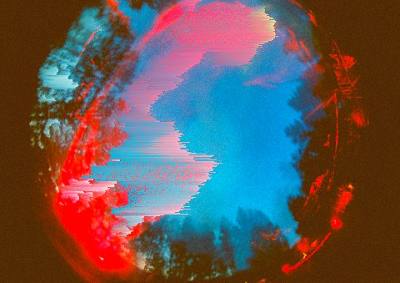 GlitchDvi @AliCat · used 161×
FAQ
What is pixel sorting?
Pixel sorting is a glitch art technique that reorders pixels — usually by brightness — along rows or columns, creating melting streaks of colour while keeping the overall composition recognisable.
Is this free?
Yes, completely free with no login. Your photo is processed in your browser and never uploaded.
What photos work best?
Images with strong contrast and bright highlights against darker areas, such as sunsets, neon signs, or backlit portraits.